
Best Text Repeater Tool Online
Repeat text, save history, and share instantly
Can I Repeat Text 1000 Times Online for Free?
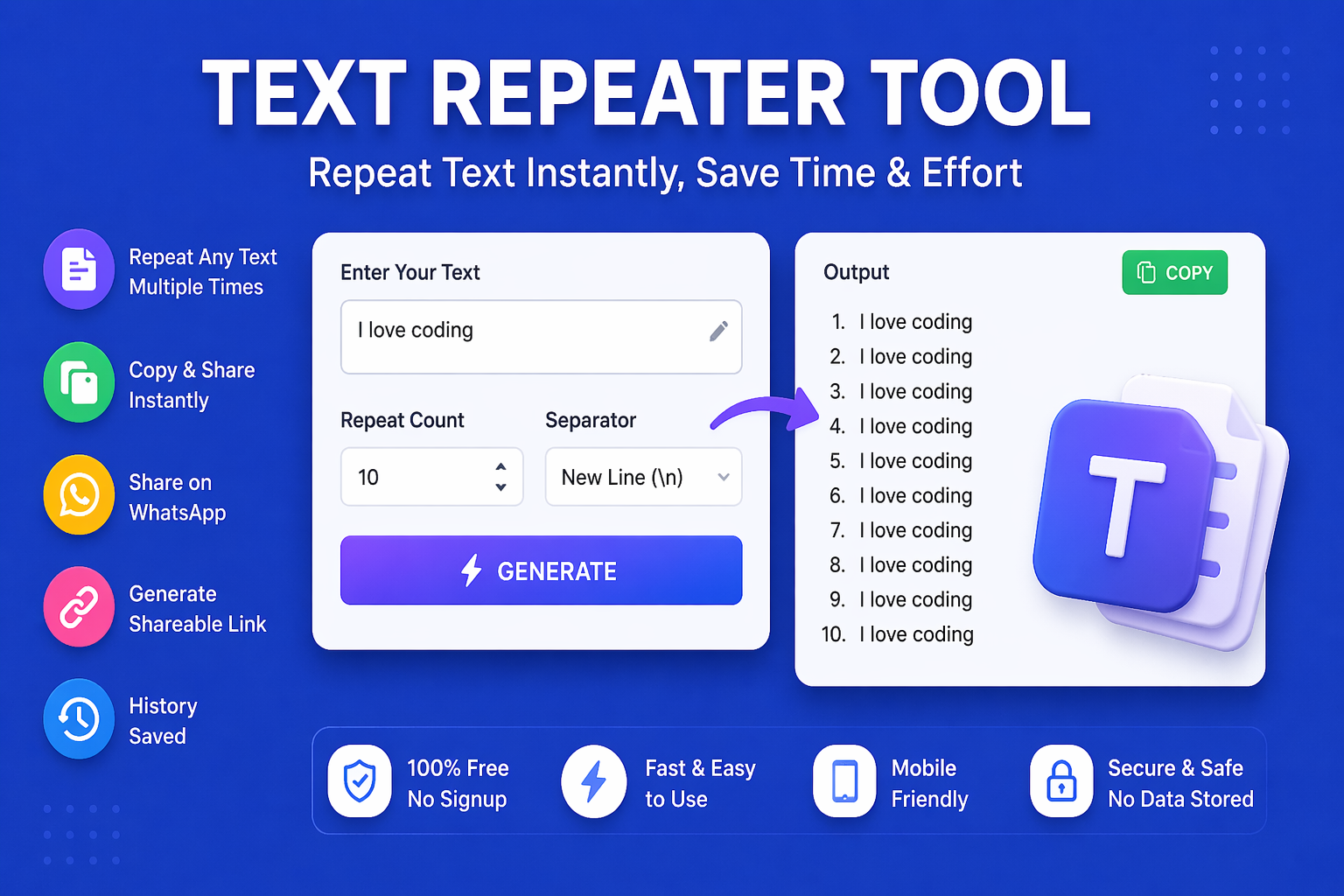
Yes! This free text repeater tool allows you to repeat any text, whether it is a single word, a sentence, or a paragraph, as many times as you want, including 1000 times or more. Simply enter your text, set the repeat count to 1000, choose your separator, and click Generate. The output is ready in milliseconds.
This is especially useful for:
- Sending a funny repeated message to a friend on WhatsApp
- Testing how an app or website handles large amounts of text
- Creating text patterns or filling sample data
- Practicing typing exercises with repeated words
Text Repeater for WhatsApp — Send the Same Message Multiple Times
- Type your message or emoji in the text box
- Set the repeat count (e.g., 50 or 100)
- Choose “New Line” as separator for WhatsApp messages
- Click Generate
- Click the WhatsApp button to share directly or copy and paste manually
Text Repeater for WhatsApp Send the Same Message Multiple Times
Separator Options Explained
FAQ about Text Repeater Tool Online
How do I repeat an emoji 100 times for WhatsApp?
Simply paste your emoji (e.g., 😂) in the text box, set the repeat count to 100, choose “Space” or “New Line” as separator, click Generate, and then use the WhatsApp button to share directly.
Can I repeat a whole paragraph multiple times?
Yes! Paste your entire paragraph in the input box, set your desired repeat count, and generate. The tool handles any length of input text.
Is there a character limit for input text?
There is no strict character limit for input. However, generating very large outputs (e.g., 10,000 repetitions of a long paragraph) may slow down older devices.
Can I use this tool to repeat text with custom separators?
Currently, the tool supports space, new line, comma, and dash separators. For custom separators, you can post-process the output using the Case Converter or a text editor.
Does the history feature save my text permanently?
Read our complete guide: How to use a Text Repeater Online